Introduction
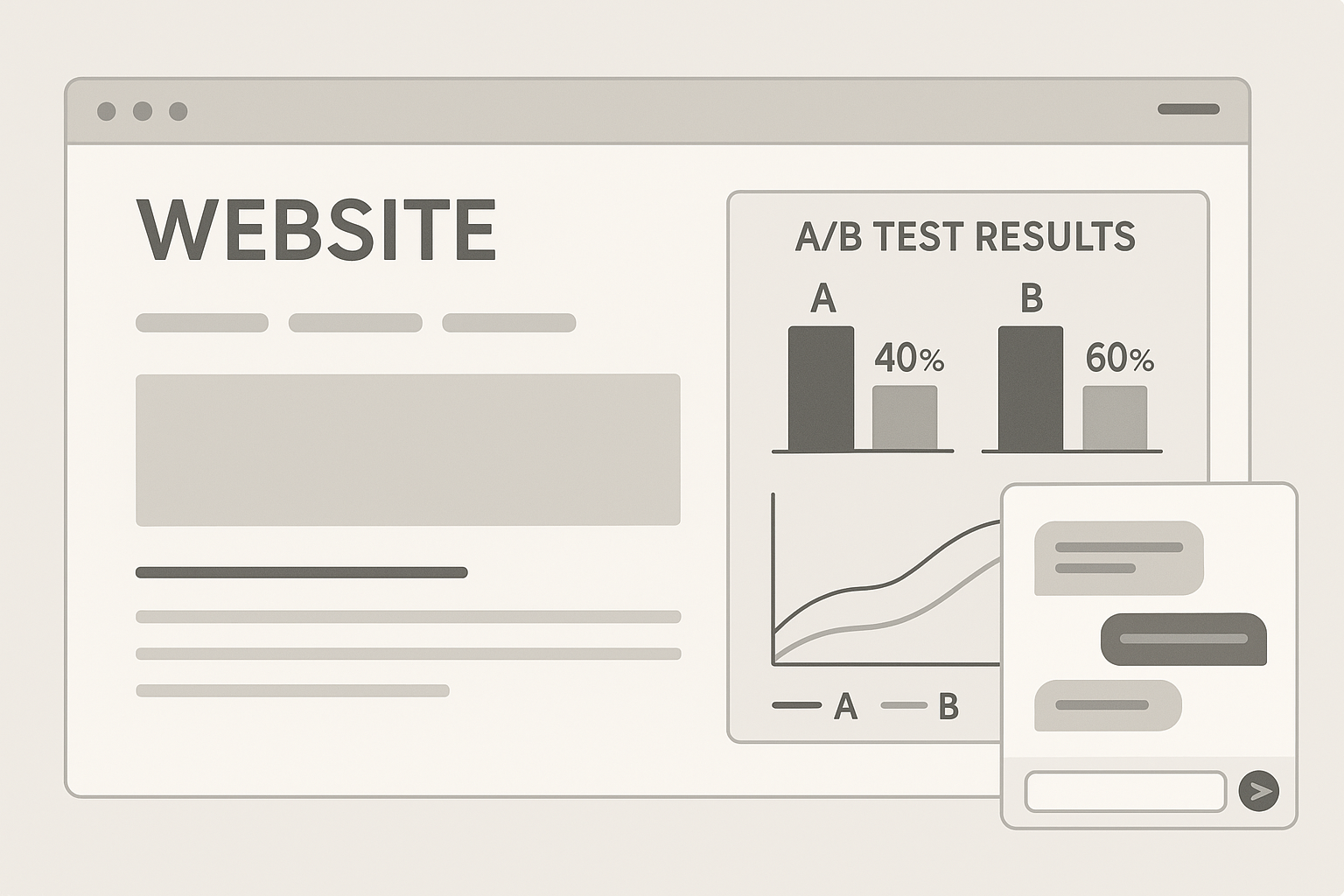
First impressions in a chat widget matter. The first-line prompt and the default message a user sees determine whether they chime in immediately, hesitate, or leave the site without engaging. Running structured A/B tests on prompts and default messages lets you find wording and flows that significantly increase first-reply rate and encourage longer thread depth — both crucial for a vibrant community.
This article walks you through designing robust A/B tests for shoutbox prompts, choosing the right metrics, building variants, running experiments, and interpreting results with practical examples and tips you can apply to any website or niche.
Why A/B Test Prompts and Default Messages?
Prompts and default messages are microcopy — small bits of text that guide user behavior. Microcopy drives expectations and sets the tone for conversations. A well-crafted prompt can convert a passive visitor into an active participant; a poor prompt can kill momentum.
- First-reply rate: How often a new user sends the first reply after viewing the prompt. This is the primary conversion metric for prompts.
- Thread depth: Average number of replies per thread started. Higher depth signals sustained conversation and community health.
- Secondary effects: Time on site, return visits, and downstream conversions (signup, purchase).
Testing is the only way to move from gut feeling to evidence. Small changes in phrasing, tone, or CTA can produce outsized effects.
Define Goals and KPIs Before You Start
Clear goals keep tests focused. For prompt and default message experiments you’ll want to set primary and secondary KPIs, a minimum detectable effect (MDE), and an acceptable sample size.
Primary KPIs
- First-reply rate (FRR): percentage of sessions that produce at least one message in the shoutbox after seeing the prompt.
- Thread depth: average number of messages in the thread that follows the initial reply.
Secondary KPIs
- Return participation: percentage of users who contribute again within 7/14/30 days.
- Time to first message: how quickly users respond after seeing the prompt.
- Site-level metrics: changes in time on page or conversions.
Decide on statistical thresholds (commonly p < 0.05) and the MDE you care about (for example, a 10% relative increase in FRR). Use those to calculate sample sizes using standard A/B sample calculators before launching.
Designing Variants: What to Test
Don’t test everything at once. Follow a prioritized roadmap: start with high-impact, low-complexity changes, then iterate.
Prompt Types
- Directive prompts: explicit CTAs (“Ask a question about today’s post”).
- Invitational prompts: friendly invites (“Say hi to other readers — what’s your take?”).
- Constraint prompts: limited-scope requests (“Share your tip in one sentence”).
- Contextual prompts: tie to content on the page (“Which character surprised you in the review?”).
Default Message Styles
- Empty input placeholder: short vs. long placeholder text influences perceived effort.
- Pre-filled starter text: a partially written message users can edit (“I liked the section on…”).
- Suggested replies: micro-choices visible as chips (“Agree”, “Disagree”, “Curious”).
Concrete examples to try in your shoutbox:
- Variant A (directive): “Got feedback? Drop it here — one quick sentence.”
- Variant B (invitational): “Join the conversation: What surprised you most?”
- Variant C (starter): placeholder shows “I found the tip about X helpful because…” and the input pre-fills with that phrase.
- Variant D (chips): show three suggested one-tap replies beneath the input field to lower friction.
Experiment Setup: Practical Steps
Set up experiments to deliver each prompt variant to a random, equally sized subset of visitors. Keep timing, placement, and other UI constant so changes in metrics are attributable only to copy or microcopy.
- Randomization: Use server-side or client-side randomization tied to user session IDs or cookies.
- Exposure rules: Show each visitor the same variant across the session to avoid confusion and cross-contamination.
- Duration: Run until you meet your sample size and statistical significance thresholds, but avoid running too briefly or during atypical traffic events.
If your shoutbox is embedded in a dynamic front-end like a SPA, be mindful of state persistence. For help integrating the widget reliably, see the guide on Embedding a Shoutbox in React/Vue SPAs: Performance & SEO, which covers keeping UI state stable while rotating experimental variants.
Measurement and Instrumentation
Accurate measurement is the backbone of trustworthy A/B testing. Implement event tracking for the full interaction lifecycle of the shoutbox.
- Track exposures (which prompt a user saw) and every relevant event: input focus, message submit, thread open, additional replies.
- Record user identifiers (hashed or anonymous) to link events across sessions for return-participation metrics.
- Flag bot or low-quality traffic; exclude it from analysis to avoid skewed results.
Connect your shoutbox events to your analytics stack and to funnel tools. If you also use email or SMS funnels to re-engage users who participated, consider linking these systems — the article on Integrate Your Shoutbox with Email & SMS Funnels to Capture and Re-engage Leads has practical patterns for capturing participants and reactivating them without breaking test integrity.
Running Tests and Avoiding Common Pitfalls
Run tests systematically and avoid mistakes that invalidate results.
Common Pitfalls
- Stopping tests early: resist declaring winners from small samples or temporary spikes.
- Multiple simultaneous tests: run overlapping tests only if you can orthogonally assign users or model interactions accurately.
- Confounding changes: don’t change the prompt and placement or moderation rules at the same time.
Practical operational tips:
- Document every experiment — hypothesis, variants, start/end dates, sample size, exclusions, and decisions.
- Segment results: often a variant helps mobile visitors but not desktop users. For mobile-specific advice, consult Mobile-first Shoutbox Layouts & Micro-Interactions to Drive Replies for design patterns that reduce friction on small screens.
- Consider qualitative feedback: in-session polls or follow-up messages can explain why a variant performed better.
Analyzing Results: What to Look For
Go beyond headline significance. Look for meaningful impact on user behavior and community health.
- Statistical significance: confirm p-values and confidence intervals for primary KPIs.
- Practical significance: a statistically significant 1% lift may not justify changing copy; a 10% lift likely is meaningful.
- Subgroup effects: check new vs. returning visitors, mobile vs. desktop, and referral sources.
- Secondary effects: evaluate whether increased first replies also improved thread depth or attracted low-quality posts that raise moderation costs.
Example interpretation: Variant B increased first-reply rate by 18% for mobile users and also bumped thread depth by 0.6 replies on average, without increasing moderation flags. This is a clear winner for mobile-first sites and worth rolling out site-wide with monitoring.
Iterate: From Winner to Next Test
One test’s winner becomes the new baseline. Don’t stop: use learnings to define the next hypothesis. If a friendly invitational prompt won, test subtle variations in tone, urgency, or context to further optimize.
- Scale horizontally: try similar experiments across different site sections or content types.
- Combine winning microcopy with interaction changes: e.g., pair a winning prompt with suggested-reply chips to see additive effects.
- Test onboarding flows: if users still hesitate after the prompt, a brief conversational onboarding in the shoutbox can reduce friction; see the walkthrough on Designing a Conversational Onboarding Flow in Your Shoutbox for templates and triggers.
Balancing Engagement with Moderation and Compliance
Higher engagement can bring more noise. Plan moderation and privacy controls alongside growth experiments so that community quality remains high and you stay compliant with legal requirements.
- Automated filters: use wordlists and AI-assisted moderation to filter spam and abusive posts.
- Human review: route flagged messages to moderators and sample messages for quality assurance.
- Privacy & consent: if you collect or store user input for testing, follow applicable rules — for details on privacy considerations, consult the Privacy & compliance checklist for shoutboxes: GDPR, CCPA, cookie consent, and legal risk minimization.
When a prompt drives significantly more participation, scale moderation proportionally and consider gating features (like requiring a username or short profile) to increase accountability if abuse increases.
Case Study Examples and Practical Recipes
Here are three compact recipes you can implement quickly and measure within a few weeks.
Recipe 1 — Low-friction starter
- Hypothesis: Pre-filled starter text reduces friction and increases FRR by lowering decision cost.
- Control: Empty placeholder: “Write a message…”
- Variant: Pre-fill: “My favorite tip from this post is…” with cursor at the end so users can edit quickly.
- Expect to measure: FRR, time-to-first-message, and abandonment rate when the prefill is edited vs. sent as-is.
Recipe 2 — Contextual prompt for articles
- Hypothesis: Tailored prompts referencing article content increase relevance and thread depth.
- Control: Generic: “Share your thoughts.”
- Variant: Article-linked: “Which tip from this article will you try first?”
- Measure FRR and thread depth; segment by referral source to see where context matters most.
Recipe 3 — Suggested-reply chips
- Hypothesis: One-tap replies lower friction for mobile users and boost FRR.
- Control: Plain input.
- Variant: Show 3 chips under input (“Agree”, “Recommend”, “Got a question”).
- Measure FRR and subsequent reply rate. If chips increase low-effort single-word replies, combine with a follow-up prompt to deepen conversation.
Closing: Put Tests Into Practice
A/B testing prompts and default messages is a high-ROI way to nudge visitor behavior and cultivate livelier shoutbox conversations. Start with a narrow hypothesis, instrument the right KPIs, and iterate based on data. Integrate results with onboarding flows, analytics and re-engagement funnels to capture long-term value from participants.
Ready to experiment? Use small, measurable changes, document outcomes, and scale winners. If you need implementation guidance, check the SPA embedding best practices and onboarding flow articles referenced above to ensure the experiment runs reliably across devices and user sessions.
Try running your first test this week: pick one page, craft two prompt variants, instrument FRR and thread depth, and let the data lead your next community-building move.