Introduction
Shoutboxes are powerful community engines on websites — but raw chat logs alone only tell part of the story. When you correlate shoutbox messages with session recordings and heatmaps, you can uncover specific moments when users are most engaged, where friction occurs, and which messages spark conversions. This article walks through practical approaches, examples, and workflows to combine these data sources and turn engagement moments into measurable growth.
Why correlate chat logs with behavioral analytics?
Chat logs capture explicit user intent and social signals: questions, praise, complaints, and UGC. Behavioral tools like session recordings and heatmaps capture implicit signals: where users look, where they click, and how they move through a page. Correlating them gives you:
- Context for chat messages — see the exact user journey that led someone to post.
- Ability to link qualitative sentiment with quantitative outcomes — which message threads align with conversions, time-on-site increases, or drop-offs.
- Actionable insight for product, content, and moderation improvements — identify UI friction that provokes chat questions or toxicity.
These combined signals help you move from reactive moderation and community management to proactive optimization.
Data sources and what each adds
Shoutbox chat logs
Chat logs include timestamps, usernames (or anon IDs), message text, and thread context. Useful for:
- Identifying trending topics or recurring questions (e.g., “shipping?” or “how to install?”).
- Measuring sentiment and social proof (positive shoutouts, endorsements).
- Detecting early warning signs (spam, confusion, frustration).
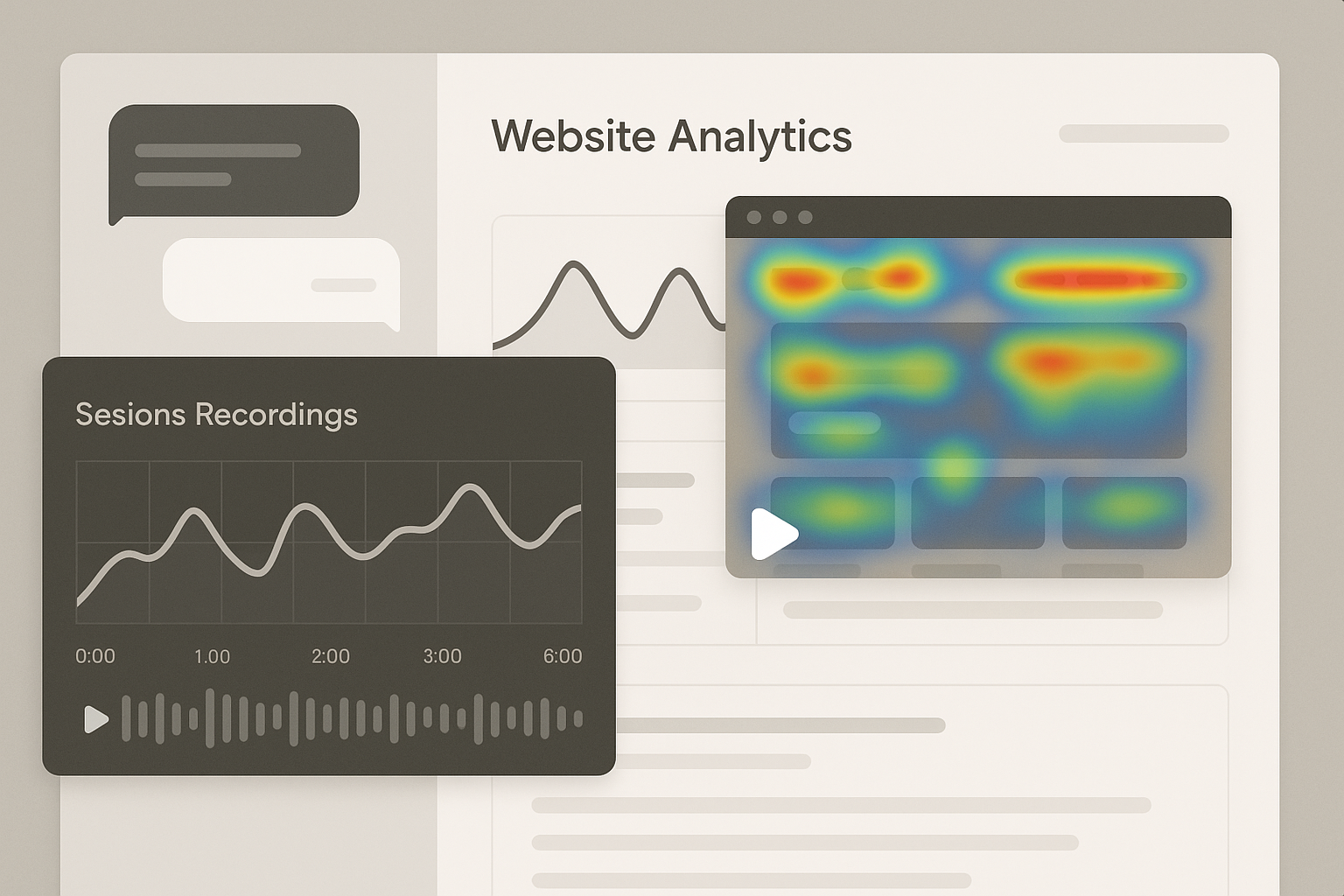
Session recordings
Session recordings show the user’s screen interactions (mouse movement, clicks, scrolling) synchronized to a timeline. They help you:
- Recreate the state of the page when a user posted in the shoutbox — what content were they looking at?
- See whether users attempted actions before posting (failed forms, confusing menus).
- Confirm cause-and-effect — did a UI bug trigger a complaint in chat?
Heatmaps
Heatmaps aggregate where users click, move, and scroll. They reveal macro-level patterns that session recordings and individual messages don’t show by themselves:
- Areas of high interest near the shoutbox or conversion elements.
- Scroll depth trends to see if users commonly miss content that prompts questions in chat.
- Contrast between pages with high shoutbox activity and low conversion heatmaps.
Step-by-step workflow to correlate data
Below is a practical workflow you can use with common analytics tooling and an embeddable shoutbox. Adapt steps to your stack and privacy constraints.
1. Ensure identifier consistency
To correlate across systems you need a common key: a session ID, anonymous user ID, or timestamp window. Best practices:
- Assign a short-lived anonymous ID to users who post in the shoutbox and include it in the chat log metadata.
- Capture the page URL, timestamp, and viewport size with each chat message.
- If you integrate with session recording tools, make sure the same session ID or timestamp is logged in both systems.
Technical note: many shoutbox implementations can add custom metadata to messages. If you haven’t yet integrated your shoutbox with analytics, follow guides such as How to Integrate a Quick Shoutbox to ensure clean metadata flow.
2. Tag and segment messages
Create an initial taxonomy for messages so analysis scales. Example tags:
- Support question (installation, payment, shipping)
- Feature request
- Bug report
- Community praise / UGC
- Spam / moderation required
Use a mix of automated keyword rules and human review. The Moderator’s toolkit article has practical tips for setting up automated filters and wordlists that feed into your tagging process.
3. Pull session recordings for key message events
For every tagged message (or for representative samples), pull the session recording for the matching session ID or the ±2–5 minute window around the message timestamp. Look for:
- Actions leading up to the message (form submissions, navigation, media playback).
- UI states — was a modal open? Was the shoutbox visible or collapsed?
- Frustration signals — rapid mouse movement, repeated clicks, rage taps on mobile.
Document snippets of recordings that illustrate common patterns (screen captures of the session or timestamps for playback). These become evidence for design fixes or content edits.
4. Overlay heatmap insights
Compare heatmaps for pages with high shoutbox activity to baseline pages. Practical checks:
- Are users clicking non-interactive elements near the shoutbox? This often produces chat questions like “is this clickable?”
- Is the shoutbox interfering with important calls-to-action on mobile? Use Mobile-first Shoutbox Layouts guidance to adjust placement and micro-interactions.
- Are users dropping off before reaching content that would answer common chat questions (scroll depth heatmaps)? Consider moving FAQs or guides higher up.
Concrete examples and what to do next
Example 1: Support spikes after a product page update
Scenario: After a UI update, your shoutbox shows a spike in messages: “Where did the sizing chart go?” Correlation steps:
- Tag messages as Support question / Product page.
- Pull session recordings: you observe users opening the product accordion, clicking on the image gallery, then posting when they can’t find sizing info.
- Inspect heatmaps: low click activity on the sizing link and shallow scroll depth on the new layout.
Actionable fixes:
- Restore a clear sizing link above the fold or add an anchor with a CTA, then A/B test message prompts in the shoutbox to surface the new location. See A/B Test Shoutbox Prompts for ideas on optimizing the first reply rate and thread depth.
- Push a quick banner or pinned shoutbox message that points users to the sizing chart.
Example 2: Community activity aligning with conversion
Scenario: A particular shoutbox thread about “best use cases” correlates with higher conversion rates for readers who view that thread. Steps:
- Segment users who view or participate in that thread using session IDs.
- Review recordings to see whether participants also visit pricing pages or product features right after reading the thread.
- Use heatmaps to confirm increased clicks on CTAs among these users.
Actions:
- Make the thread more visible via onboarding flows or a pinned shoutbox conversation. Consider designing a conversational onboarding flow as described in Designing a Conversational Onboarding Flow in Your Shoutbox.
- Replicate the thread’s content as an FAQ or product highlight to capture non-participants.
Example 3: Toxicity causes sudden churn signals
Scenario: A moderator flags a string of hostile messages; session recordings show that users left immediately after encountering the thread. Your heatmaps show the shoutbox area draws high attention but also negative interactions.
Actions:
- Apply stricter moderation rules or temporary locks for threads that show clear negative impact. Use guidance from the Moderator’s toolkit to set up automated interventions.
- Run a short experiment: hide the shoutbox for a subset of users to confirm impact on churn and conversions.
Measuring success and KPIs to track
When you act on correlated insights, track a clear set of KPIs to validate improvements. Useful metrics include:
- Shoutbox engagement: messages per active session, reply rate, thread depth.
- User journey metrics: time-on-page, session length, pages per session.
- Conversion metrics: add-to-cart, sign-ups, form completions tied to sessions that viewed or participated in shoutbox threads.
- Behavioral metrics: average scroll depth, click-through rates on CTAs, and heatmap changes before/after.
For a focused list of shoutbox-specific KPIs you can use as a baseline, consult Measuring Impact: 7 KPIs to Track Your Shoutbox’s Effectiveness.
Privacy, compliance, and ethical considerations
Correlating chat logs with session recordings involves sensitive data. Always follow privacy best practices:
- Inform users that session recordings and chat metadata may be used for improvement (privacy policy/consent banner).
- Mask or redact keystrokes and personal data in recordings and logs to avoid storing sensitive information.
- Respect regional laws (GDPR, CCPA). The Privacy & compliance checklist for shoutboxes provides a practical compliance checklist for shoutbox operators.
Implement short data retention windows for session recordings tied to chat messages and provide users with opt-out mechanisms where required.
Tools and integration tips
Choose tools that support session-level IDs and easy export of event timelines. Integration tips:
- Capture a consistent session ID from your analytics tool and ensure your shoutbox attaches it to each message.
- Use webhooks or API exports to push messages into your analytics or data warehouse for easier joins with recordings and heatmap aggregates.
- Keep instrumentation lightweight to avoid performance hits when embedding the shoutbox — follow best practices for SPA embedding if you use frameworks like React or Vue; see Embedding a Shoutbox in React/Vue SPAs for performance tips.
Putting it all together: an example analysis playbook
Here is a concise playbook you can run weekly or after major releases:
- Export last week’s chat log and apply automated tagging (support, bug, praise).
- For each tag with a >50% week-over-week increase, pull a sample of 20 session recordings around message timestamps.
- Compare heatmaps of pages where spikes occurred vs. baseline pages to spot layout or CTA issues.
- Create a prioritized backlog: quick UI fixes, pinned messages or onboarding flows, moderation rule updates, and A/B tests.
- Run the change for two weeks, monitor KPIs listed earlier, and iterate.
Conclusion and next steps
Correlating shoutbox activity with session recordings and heatmaps turns isolated signals into actionable insights. By instrumenting consistent IDs, tagging messages, and using recordings and heatmaps to recreate user experiences, you can identify engagement moments that matter and act on them — whether that means improving UX, surfacing high-value community content, or curbing toxic behavior. If you’re new to embedding or want to iterate quickly, the How to Integrate a Quick Shoutbox guide is a good starting point.
Ready to dig in? Start by mapping your session IDs into chat logs, pick one recurring tag to investigate, and run a 1–2 week playbook from this article. Small experiments informed by correlated data produce the clearest path to higher engagement and measurable conversions.