Introduction
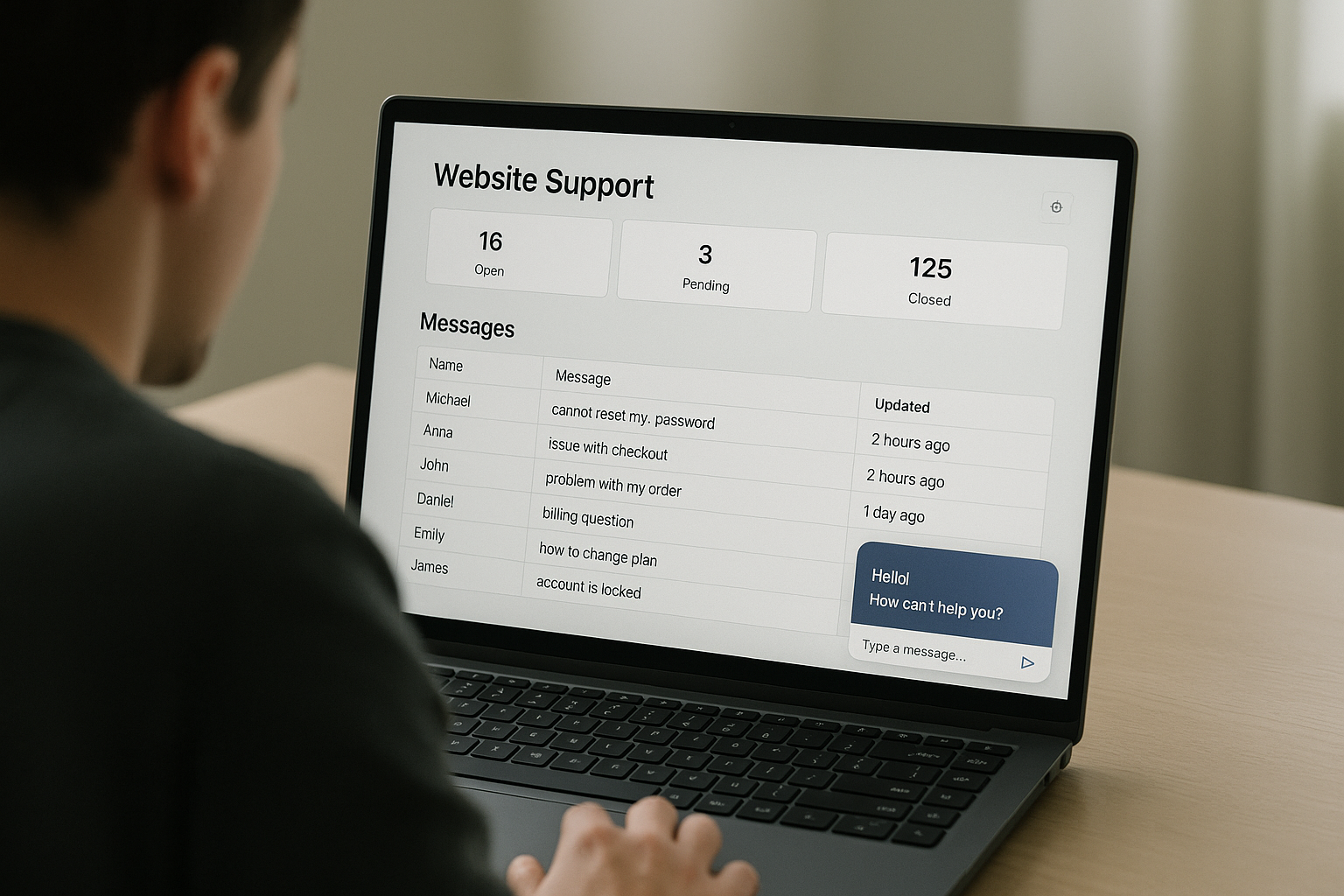
A shoutbox can do more than spark community conversation — it can act as a first-line support triage layer that catches common questions, serves automated answers, and hands off complex cases to your ticketing system. Done well, this reduces live-agent load, shortens resolution times, and creates a clearer escalation path for urgent issues. In this article we’ll walk through concrete setups, automation patterns, and moderation best practices so your shoutbox becomes a calm, efficient intake channel for customer support.
Why use a shoutbox for support triage?
Most websites already have some volume of repetitive questions: shipping times, refund policies, login help, or basic product usage. A shoutbox placed on high-intent pages (checkout, account area, knowledgebase) intercepts those queries and offers instant value without forcing visitors into full support flows. Benefits include:
- Instant help for the most common issues, reducing email/ticket load.
- Lower friction: visitors type a quick message instead of navigating to a separate chat app or support form.
- Conversation logs that help you discover new FAQ items and friction points.
- Opportunity to route non-trivial issues to agents with context, improving handoff quality.
Before building, map your support volume: which pages generate repeated requests and which questions represent >70% of inquiries? Use that list to prioritize what the shoutbox should deflect automatically versus escalate.
Core architecture: routing, FAQ bots, and handoffs
Design your triage layer around three components: lightweight FAQ automation, intelligent routing rules, and clean ticket handoffs. Think of the shoutbox like a receptionist that answers common questions and collects intake details for the agent when escalation is necessary.
1) FAQ bot layer
The FAQ bot lives directly in the shoutbox UI and provides immediate responses to scripted queries. Keep scripts concise and surface-level — the goal is to resolve straightforward asks without human involvement.
- Examples of FAQ flows: “Where’s my order?”, “How do I reset password?”, “Do you ship internationally?”
- Use keyword triggers and simple pattern matching first. For example, match “order”, “tracking”, “where is my” to route users into the tracking flow.
- Offer quick buttons or suggested replies: “Check order status”, “Reset password”, “Speak to agent” — these reduce typing and speed up resolution.
For help building scripted automations inside a shoutbox and turning it into a basic chatbot, see this walkthrough on How to Use a Shoutbox as a Chat Bot ?.
2) Routing and escalation rules
When automation can’t satisfy the user, escalate to a human or another system. Clear routing rules prevent unnecessary escalations and ensure urgent issues reach the right team quickly.
- Escalation triggers: keywords like “fraud”, “chargeback”, or sentiment indicators such as “very upset” should escalate immediately to a higher priority queue.
- Context capture: before escalation, the bot should collect 3–5 key fields (order number, email, brief description). This reduces back-and-forth and improves SLA adherence.
- Destination routing: route tickets to different teams (billing, shipping, technical) based on keywords or page context where the shoutbox was used.
3) Ticket creation and handoff
Handoffs should be structured: the shoutbox should create a ticket with predefined fields, paste the chat transcript, and include browser/user metadata if privacy rules allow. The handoff can be synchronous (assign a live agent in the shoutbox) or asynchronous (create a ticket and notify the user with an expected response time).
- Minimum handoff payload: name/email, short summary, relevant ID (order number), transcript snippet, page URL.
- Use automatic ticket creation APIs to push data to your helpdesk (Zendesk, Freshdesk, etc.) and add a shoutbox tag so agents know it originated in the widget.
- Send a confirmation message to the visitor with the ticket ID and expected SLA: “Thanks — we’ve created ticket #12345 and will reply within 24 hours.”
Practical setup examples and flows
Here are three concrete triage flows you can implement quickly, with suggested messages and decision points.
Flow A — Order tracking (fully automated)
Use this for high-volume, high-certainty questions.
- User: “Where’s my order?”
- Bot: “I can look that up — what’s your order number?” (button: “I don’t have it”)
- Bot pulls status via API, displays: “Your order shipped on Oct 3, tracking: XXX — expected delivery Oct 7.”
- If API fails or user replies “problem with delivery”, escalate to shipping team with collected details.
Flow B — Troubleshooting payment errors (partial automation + escalation)
Payment issues often need human review. Use automation to triage and gather data first.
- Bot asks: “Are you seeing an error code?” If yes, capture the code and last four digits of card.
- Bot runs a quick local checklist: clear cache, try incognito, try different card. If resolved, present steps. If not, create a billing ticket with the captured metadata and mark as high priority.
Flow C — Account recovery (guided automation)
Account issues are sensitive; guide users through safe automated steps, then escalate when necessary.
- Bot: “Let’s try a secure password reset. Do you have access to the recovery email?”
- If yes, bot triggers reset email and confirms. If no, collect verification details and escalate to account recovery with high priority tag.
Moderation, privacy, and compliance considerations
When using a public or semi-public shoutbox for support intake, moderation and privacy are essential. Avoid collecting sensitive personal data in the open chat and rely on private handoff channels for anything sensitive.
- Filter and redact: use profanity filters and automatic redaction rules for partial card numbers or social security fragments. See the Moderator’s toolkit for building a layered approach with AI filters and human review.
- Use consent language: when creating a ticket, confirm that the user consents to moving the conversation out of the public shoutbox and into private support channels.
- Log retention and GDPR/CCPA: make sure your message logs and the payload you attach to tickets comply with your data retention policy and legal obligations.
For an explicit checklist about privacy and legal risk minimization when embedding chat features, consult the site’s guide on privacy compliance.
Measuring success: KPIs and experiments
Quantify the impact of your shoutbox triage layer with targeted KPIs. Track before-and-after metrics to prove ROI and iterate on the flows.
- Support volume reduction: measure percentage drop in new tickets per week after launch.
- First-response time: monitor how quickly users get a meaningful reply (bot or human).
- Resolution rate in widget: track how many conversations are fully resolved in shoutbox vs escalated.
- User satisfaction: add a short CSAT micro-survey in the shoutbox after resolution.
- Conversion impact: measure whether shoutbox interactions on checkout pages increase or decrease conversion.
Track these KPIs and correlate shoutbox activity with broader user behavior using analytics. For a framework on which KPIs to monitor and how to interpret them, see the piece on Measuring Impact: 7 KPIs to Track Your Shoutbox’s Effectiveness.
Integration tips: connect the shoutbox into your support stack
Integration is where triage becomes practical. A shoutbox that can push structured data into your helpdesk, CRM, or marketing automation will streamline handoffs and follow-ups.
- Ticket APIs: use webhooks or API connectors to automatically create tickets with the fields collected during triage.
- CRM enrichment: enrich tickets with user behavior or account information (last login, lifetime spend) to help agents prioritize.
- Follow-up funnels: if a user allows marketing contact, push them into targeted email or SMS funnels for non-sensitive follow-ups. You can build these flows with guidance from Integrate Your Shoutbox with Email & SMS Funnels to Capture and Re-engage Leads.
- Agent view: include a direct link from the ticket to the original page and the shoutbox transcript to provide context and reduce time-to-resolution.
Operational playbook and staffing strategy
Even with automation, you need operational rules for who monitors escalations and how SLAs are enforced. Create an operational playbook with routing rules, ownership, and training materials.
- Shift coverage: designate a primary triage agent during business hours and a reduced after-hours rotation for critical escalations.
- Escalation SLA tiers: set SLAs based on severity (P1 — 1 hour, P2 — 4 hours, P3 — 24 hours) and program the shoutbox to tag tickets accordingly.
- Onboarding agents: train agents on the shoutbox transcript format, where to find context, and how to update the bot’s scripts when recurring new issues appear.
- Feedback loop: add a process for agents to mark resolved tickets that should become automated FAQ items in the shoutbox to reduce future load.
Testing and iteration: A/B experiments and prompts
Small changes in wording, button placement, or the number of fields asked during intake can materially affect deflection rates and user satisfaction. Run focused experiments.
- Test CTAs: compare “Chat with support” versus “Get instant answers” to see which yields more bot resolution.
- Prompt sequencing: A/B test whether asking for an order number first, or asking the user to describe the issue first, leads to faster resolution.
- Measure downstream effects: track whether a more aggressive escalation (fewer automated steps) increases agent workload but improves CSAT — weigh tradeoffs against staffing costs.
For inspiration on rapid experimentation and prompt testing in the shoutbox context, review ideas from the site’s article about A/B Test Shoutbox Prompts to Boost First-Reply Rate & Thread Depth.
Common pitfalls and how to avoid them
Several mistakes can undermine your triage layer. Watch for these common issues and adopt pragmatic mitigations.
- Over-automation: automating deep technical troubleshooting can frustrate users. Keep the bot limited to high-confidence tasks and graceful handoffs.
- Poor context capture: failing to collect a minimal dataset before escalation creates agent rework. Require 2–3 fields at handoff.
- Public disclosure of sensitive data: avoid capturing full payment info or passwords in the public shoutbox — move to private input channels for any sensitive exchange.
- No feedback loop: if agents can’t mark which escalations should become automated, the bot never learns and support load won’t decline.
Real-world checklist to launch a triage shoutbox
Use this quick checklist to launch a minimum viable triage layer in a week.
- Identify top 5 repetitive questions and create short bot scripts for each.
- Implement keyword triggers and suggested-reply buttons in the shoutbox UI.
- Program handoff rules: data to collect, ticket fields to populate, and target helpdesk queue.
- Configure webhooks/API to create tickets and include transcript + page URL.
- Add moderation filters and a consent snippet for moving conversations into private channels.
- Set KPIs and dashboards for support volume, bot resolution rate, and CSAT.
- Run a soft launch to a subset of pages and iterate based on agent feedback and metrics.
Conclusion and next steps
Turning your shoutbox into a support triage layer is a high-leverage move: it gives visitors instant help, reduces repetitive tickets, and provides cleaner context for agents when escalation is required. Start small with a handful of high-volume FAQ flows, instrument the handoff so agents get the context they need, and iterate using measurable KPIs. If you want to incorporate deeper chatbot capabilities or connect the shoutbox into email/SMS funnels, check the guides referenced above and plan a phased rollout.
Ready to experiment? Add a focused triage flow to your shoutbox this week, set a baseline for ticket volume, and iterate after two weeks of data. If you need technical guidance on turning your shoutbox into a chatbot or integrating it with your support stack, refer to the linked how-to guides and toolkit articles above.
Call to action
Want templates or a step-by-step implementation checklist tailored to your site? Try adding a shoutbox to a single high-traffic page and run a 30-day experiment to measure support deflection and satisfaction. Learn more about rapid community experiments and growth tactics in our 30-Day Shoutbox Growth Experiment: Step-by-Step Plan, then iterate your triage flows from the data you collect.